
See It On Your Hand
See It On Your Hand
Add your hand-and-card photo
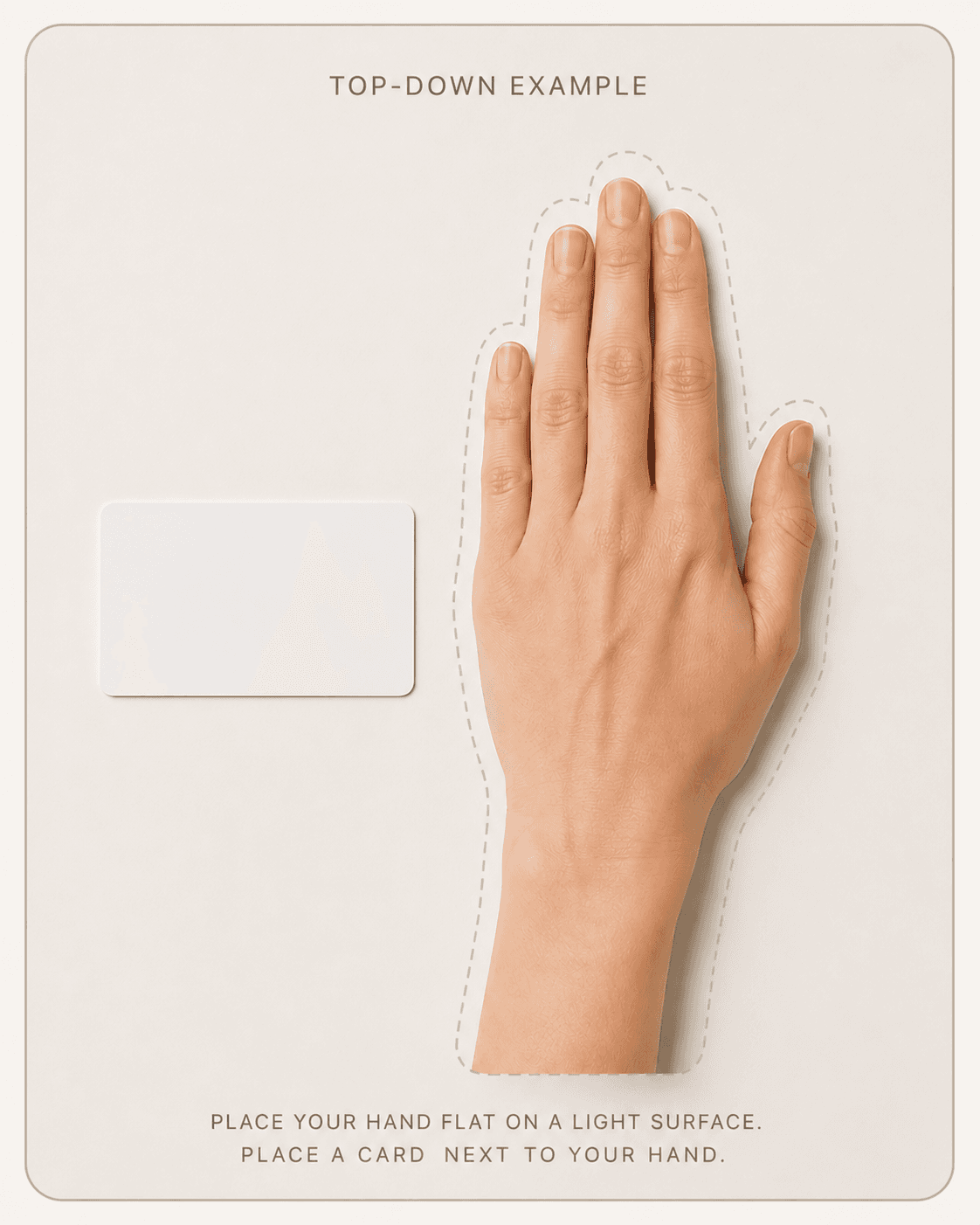
Use your phone to photograph your hand with a standard-size card beside it. We’ll use the card to establish visual scale, then frame it out of the final preview.
Use a blank gift card, hotel key, or standard-size loyalty card. Avoid cards showing personal or financial information.
See It On Your Hand
Photograph your hand
Place a standard-size card beside your hand so we can calibrate the preview accurately.
Use a blank gift card, hotel key, or standard-size loyalty card. Avoid cards showing personal or financial information.
How the preview works
The card in your photograph gives the image a known physical reference. Once marked, it allows the studio to translate pixels into millimeters and place the diamond at representative face-up dimensions on your actual hand.
01How the card sets scale
A standard-size card has known dimensions. After you mark its long edge, the studio measures how many image pixels span that distance. That relationship creates a physical scale for the photograph. For the most reliable result, keep the card and hand on roughly the same plane and photograph them as directly overhead as practical.
02Why it may look different from Size Studio
Size Studio uses a standardized finger model associated with ring size. See It On Your Hand uses the visible proportions of your photographed hand. Two people with the same ring size can have different top-down finger widths, so the same diamond may appear different while still using the same millimeter dimensions.
03What the preview can and cannot show
This tool is designed to compare shape, face-up size, and overall presence. It does not estimate ring size or predict fit. Carat is weight, not a fixed physical size, so the preview uses representative dimensions for each shape and carat. Final ring size and the exact measurements of a selected diamond should be confirmed before purchase.